Detect and Monitor
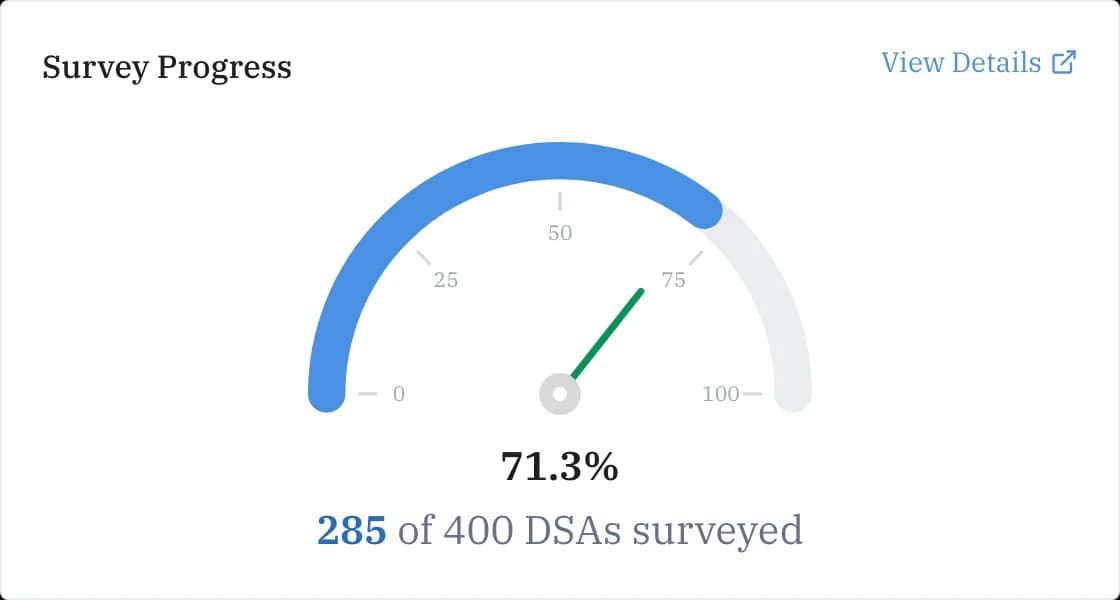
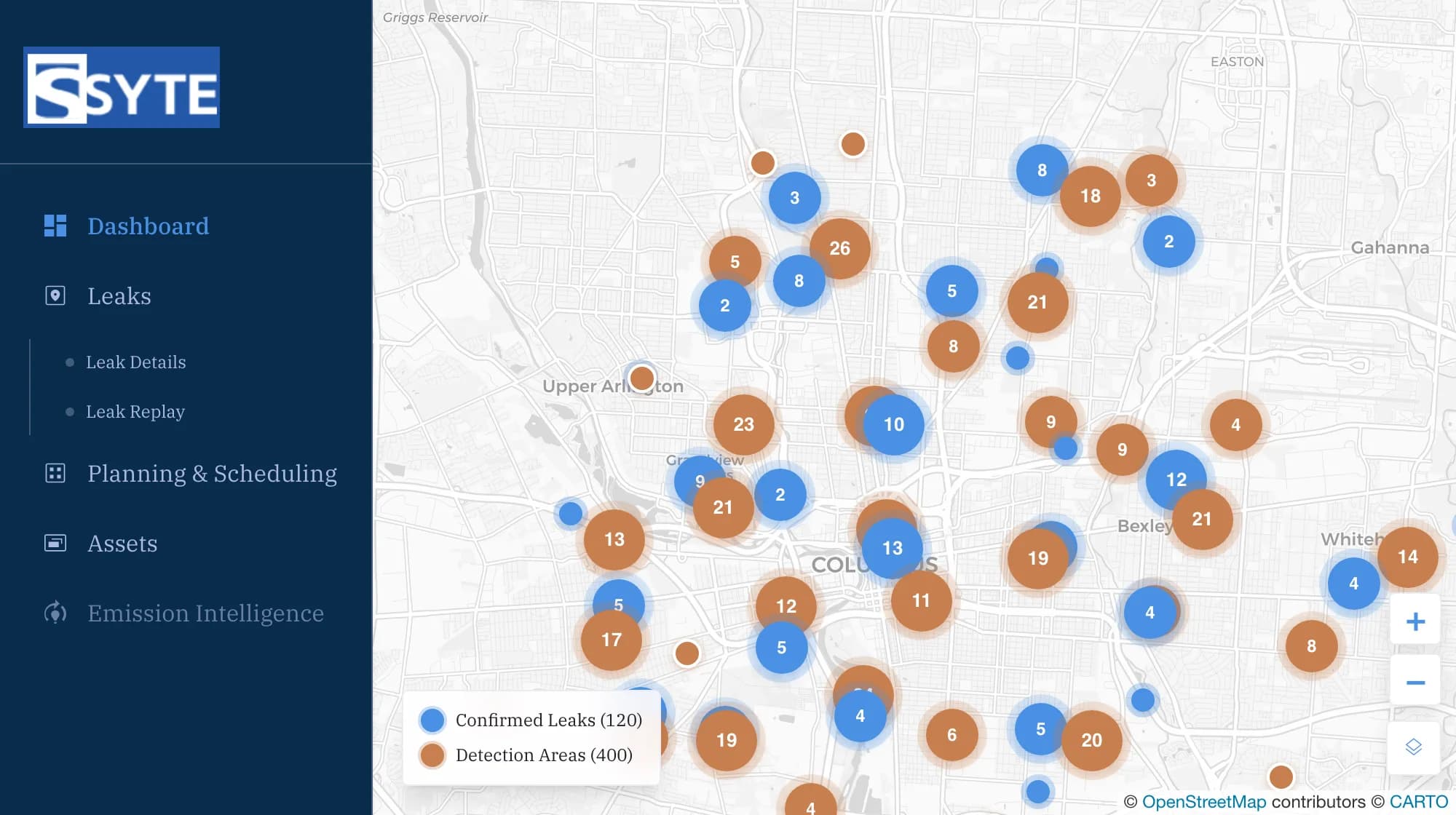
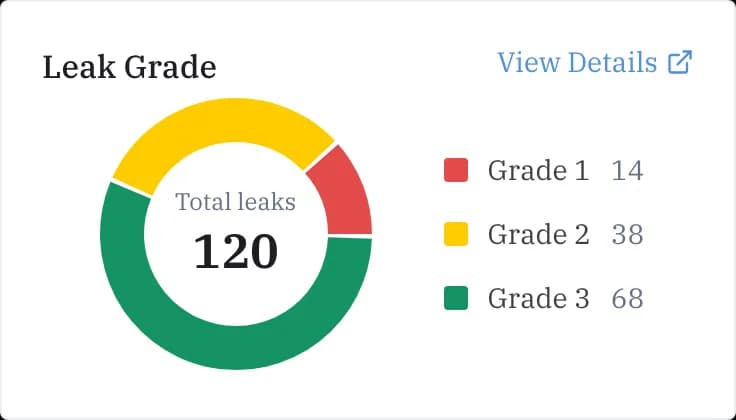
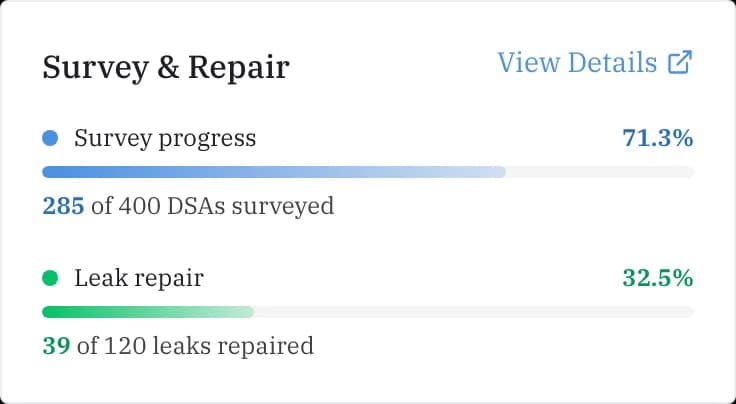
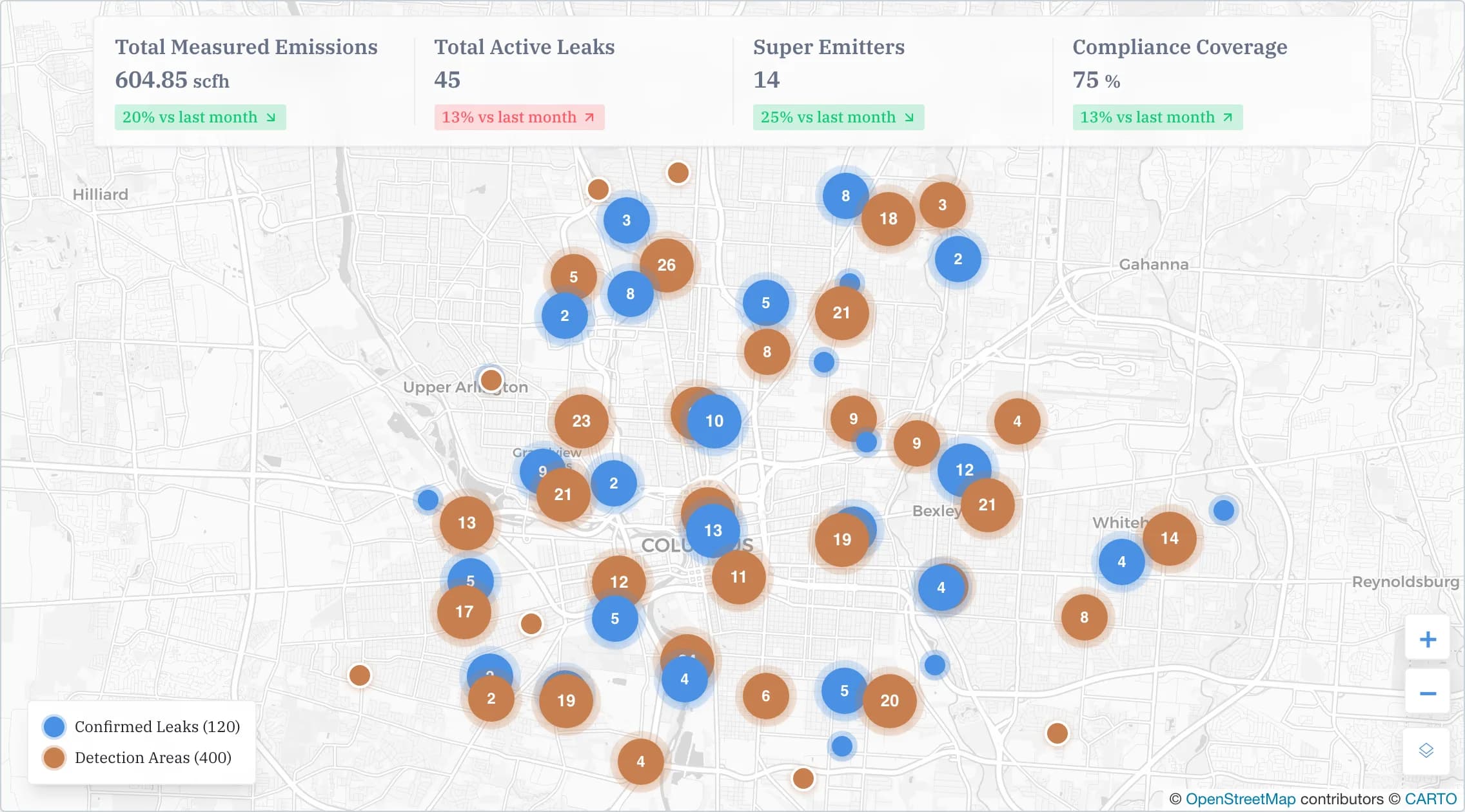
Detect methane leaks early, monitor emissions across every survey, and see exactly where action is needed.
Syte Corp
Syte Corp is an enterprise platform for AI-powered methane leak detection, classification, and compliance management. Built for pipeline operators and utilities, from 0.1 ppm sensitivity to audit-ready EPA reports.
Detection teams, compliance leads and executives do their best work with Syte Corp. Find, track and close out every leak on one shared platform.
Detect methane leaks early, monitor emissions across every survey, and see exactly where action is needed.
Prioritize risks, assign action, and keep every leak moving toward resolution.
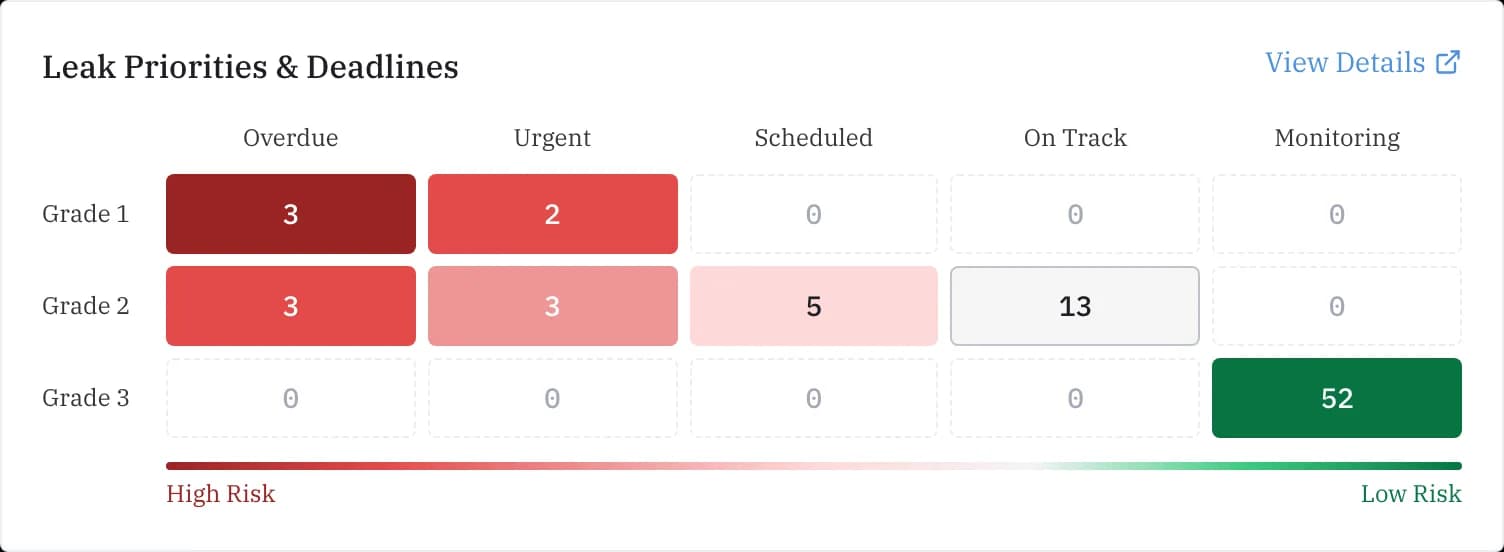
Every leak graded by severity and scored by urgency, giving crews a clear, data-driven view of what to survey first and what can safely wait.
Syte Corp's Leak Replay turns raw detection data into a drive you can play back, so your team can trace emissions to the source, verify what was found, and prioritize repairs with confidence.
Something else on your mind? Contact us.
Go to Assets and click Upload Data. Drop in CSV files for leaks and DSAs, or a zipped shapefile for a spatial layer; each file is checked and any problems are flagged before the import finishes. To pull from a data lake instead, use Settings → Data sources.
Super emitters are leaks exceeding 10 scfh. The platform flags them during processing and sends real-time alerts to your configured notification channels.
Syte supports Grade 1, Grade 2 and Grade 3 classifications per PHMSA and state regulatory standards. Each grade carries its own repair-timeline requirement, tracked automatically.
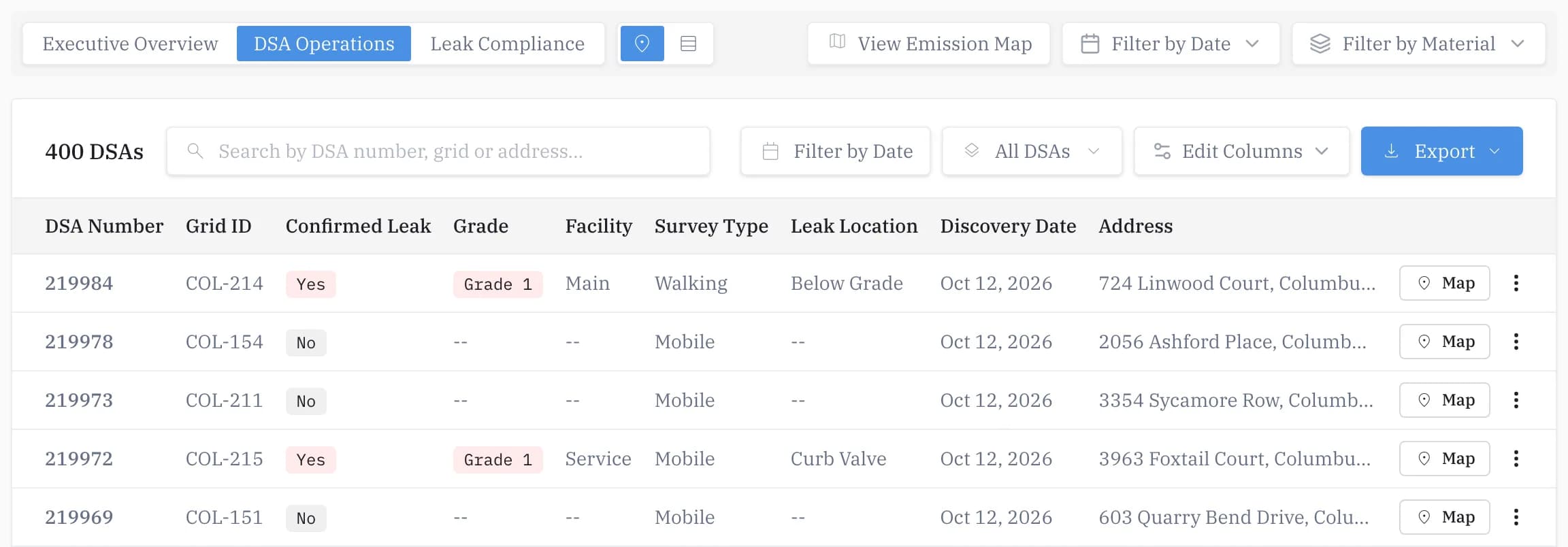
On Leak Details, Export sends the leaks you are viewing as a CSV to your organization's export destination, set in Settings → Data sources. For a PDF, choose Download PDF report from a leak's row menu or map popup, or tick several leaks to get one combined report. On the Dashboard's DSA Operations view, Export downloads the DSAs you are viewing as CSV or Excel.
Nothing expires automatically: your data stays until someone clears it. In Assets, Clear removes a dataset version for good. There is no retention period to set; to have data removed for you, create a ticket.
Partner with experts who combine proven performance with innovative solutions for your infrastructure challenges.
Book a Demo